
Instruction manual for Dwyer Instruments 1600 Series microprocessor temperature/process controller with fuzzy logic option.
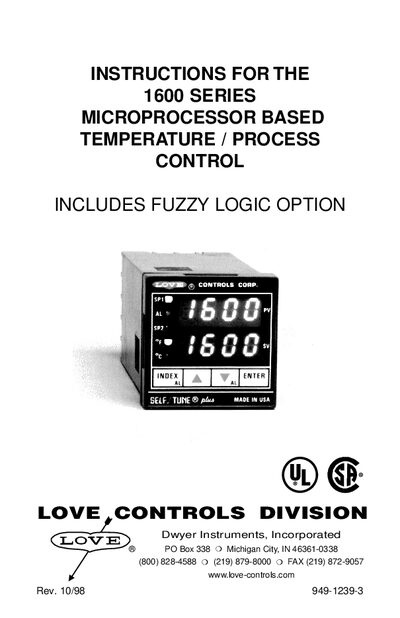
This manual provides complete guidance for installing, wiring, and configuring the 1600 Series temperature/process controller. It covers mounting the unit, selecting and setting input types, logic jumper configuration, and front‑panel key functions.
Detailed sections describe menu navigation, self‑tune operation, ramp/soak programming, diagnostic messages, and full technical specifications. Safety precautions and ESD handling are also included.
| Selectable Inputs | Thermocouple, RTD, current or voltage |
|---|---|
| Thermocouple Input Impedance | 3 MΩ minimum |
| Supply Voltage | 100‑240 VAC, 50‑400 Hz |
| Power Consumption | 5 VA maximum |
| Operating Temperature Range | -10 °C to +55 °C |
| SSR Output Rating | 3.5 A @ 250 VAC (25 °C) |
| Panel Cutout Size | 45 mm × 45 mm |
| Memory Backup | Non‑volatile, no batteries required |
Press the UP ARROW and ENTER keys together, then press the INDEX and DOWN ARROW keys together.
Hold the ENTER key while also pressing the DOWN ARROW key; the display will blink and the instrument will reboot to factory settings.
Locate the jumper strip on the PCB, orient the springs up for SSR/RELAY outputs or down for LOGIC outputs, and insert the strip under the retaining clip.
This manual explains 3 error codes. Open a code for its meaning, causes and what to do: