
Key facts
- Manuals
- 1
- Languages
- EN
- Last added
- 2026-09-29
Featured Dwyer Instruments manuals
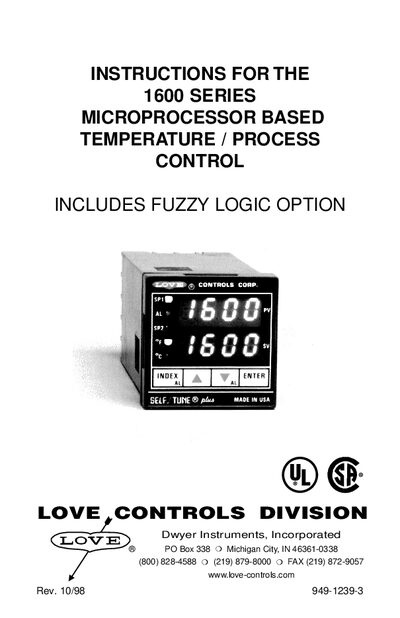
Dwyer Instruments 1600 Series Temperature/Process Control Instruction Manual
This manual provides complete guidance for installing, wiring, and configuring the 1600 Series temperature/process controller. It covers mounting the unit, selecting and setting input types, logic jumper configuration, and front‑panel key functions.
Detailed sections describe menu navigation, self‑tune operation, ramp/soak programming, diagnostic messages, and full technical specifications. Safety precautions and ESD handling are also included.
Covers: Getting Started · Installation · Input Selection · Logic Jumper Selection · Wiring · Front Panel Key Functions
Latest Dwyer Instruments manuals
Dwyer Instruments 1600 Series Temperature/Process Control Instruction Manual
User Manual 36 pages · 360 KB · ENInstruction manual for Dwyer Instruments 1600 Series microprocessor temperature/process controller with fuzzy logic option.
Which document do I need?
User Manual
Day-to-day operation, settings and troubleshooting. Start here if the product is already set up.
Questions answered in Dwyer Instruments manuals
How do I quickly return to the Home display?
Press the UP ARROW and ENTER keys together, then press the INDEX and DOWN ARROW keys together.
From: Dwyer Instruments 1600 Series Temperature/Process Control Instruction Manual
How can I reset the controller to factory defaults?
Hold the ENTER key while also pressing the DOWN ARROW key; the display will blink and the instrument will reboot to factory settings.
From: Dwyer Instruments 1600 Series Temperature/Process Control Instruction Manual