
User manual for the DMM8900 Series digital multimeters, covering safety, front-panel controls, specifications, operation, and maintenance.
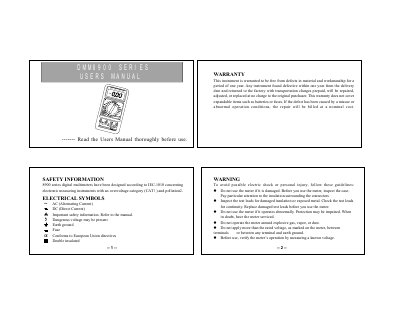
The DMM8900 Series are compact, rugged, battery-powered handheld 3 1/2-digit LCD digital multimeters for measuring DC and AC voltage, DC and AC current, resistance, diode, capacitance, inductance, battery, frequency, temperature, transistor, and continuity. The manual begins with warranty and safety information, including electrical symbols and warnings for safe use.
The document then describes the front-panel jacks and function/range switch, general and technical specifications, and operating instructions for voltage and current measurements. It also includes maintenance guidance and fuse replacement requirements.
| Maximum voltage between terminal and earth ground | CAT I 500V |
|---|---|
| Fuse | F 250mA/250V |
| Power supply | 9V battery, NEDA 1604 or 6F22 |
| Display | 3 1/2-digit LCD, 1999 counts |
| Sampling rate | 2~3 times/sec. |
| Measuring method | Dual-slope integration A/D converter |
| Size | 86mm(W) 186mm(D) 33mm(H) |
| Weight | Approx. 230g (including a 9V battery) |
It measures DC and AC voltage, DC and AC current, resistance and diode, capacitance, inductance, battery, frequency, temperature, transistor and continuity.
It uses a 9V battery, NEDA 1604 or 6F22.
The general specification lists a maximum voltage between terminal and earth ground of CAT I 500V.
Replace the batteries as soon as the low battery indicator appears to avoid false readings.