
The Distech Controls ECLYPSE APEX IoT Edge Controller product description provides installation, wiring, mounting, and configuration guidelines.
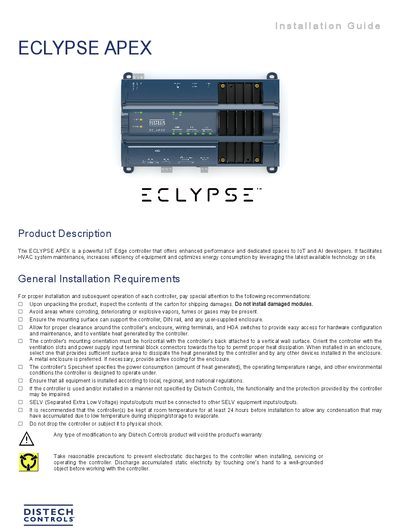
The document outlines general installation requirements for the ECLYPSE APEX controller, including handling, mounting orientation, clearance, and environmental conditions. It details wiring recommendations, permissible wire gauges, and separation of power, SELV, and network cables, as well as the use of DIN‑rail or wall mounting.
It also describes the supported IO modules, communication extensions (RS‑485, M‑Bus, Modbus TCP), and the functions of the reset button, DIP switches, and LEDs. Maintenance, hot‑swappable module handling, and disposal/compliance information are included.
| Maximum IO Modules | 20 |
|---|---|
| Power Supply Options | ECY‑PS24 (24 V) or ECY‑PS100‑240 (100‑240 VAC) |
| RS‑485 Ports | Up to 3 when equipped with ECY‑RS485 module |
| M‑Bus Port | 1 when equipped with ECY‑MBUS module |
| Power Wiring Gauge (single conductor) | 18‑14 AWG (0.82‑2.1 mm²) |
| Mounting Orientation | Horizontal with back attached to vertical wall |
The controller supports up to 20 IO modules.
It resets both Ethernet and Wi‑Fi IP addresses back to factory defaults.
The controller has an integrated power supply, but an external ECY‑PS24 or ECY‑PS100‑240 module may be required for higher loads.
Use Distech Controls 24 AWG (0.65 mm) stranded, twisted‑pair shielded cable.