
Key facts
- Manuals
- 1
- Languages
- EN
- Last added
- 2026-10-06
Featured Distech Controls manuals
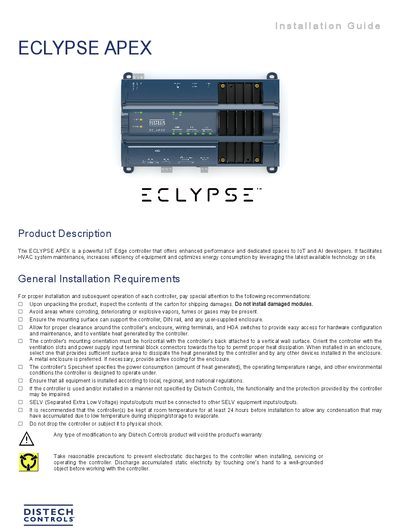
Distech Controls ECLYPSE APEX IoT Edge Controller Product Description
The document outlines general installation requirements for the ECLYPSE APEX controller, including handling, mounting orientation, clearance, and environmental conditions. It details wiring recommendations, permissible wire gauges, and separation of power, SELV, and network cables, as well as the use of DIN‑rail or wall mounting.
It also describes the supported IO modules, communication extensions (RS‑485, M‑Bus, Modbus TCP), and the functions of the reset button, DIP switches, and LEDs. Maintenance, hot‑swappable module handling, and disposal/compliance information are included.
Covers: General Installation Requirements · Device Markings (Symbols) · Wiring Recommendations · Power Supply Options · IO Module Dimensions and Types · EOL, DIP Switch, and Jumper Identification
Latest Distech Controls manuals
Distech Controls ECLYPSE APEX IoT Edge Controller Product Description
User Manual 26 pages · 16 MB · ENThe Distech Controls ECLYPSE APEX IoT Edge Controller product description provides installation, wiring, mounting, and configuration guidelines.
Which document do I need?
User Manual
Day-to-day operation, settings and troubleshooting. Start here if the product is already set up.
Questions answered in Distech Controls manuals
How many IO modules can be connected to the ECLYPSE APEX controller?
The controller supports up to 20 IO modules.
From: Distech Controls ECLYPSE APEX IoT Edge Controller Product Description
What does holding the reset button for 10 seconds do?
It resets both Ethernet and Wi‑Fi IP addresses back to factory defaults.
From: Distech Controls ECLYPSE APEX IoT Edge Controller Product Description