
User manual for the Dimior 412G Mobile WiFi, covering features, specifications, operation, and troubleshooting.
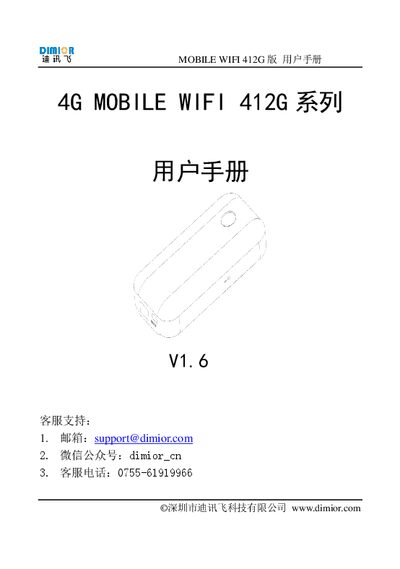
The Dimor 412G Mobile WiFi provides high‑speed 4G internet without a SIM card, supporting global roaming and up to five devices simultaneously. It includes a 4000 mAh battery that lasts 10‑12 hours and offers emergency charging for other devices.
The manual details device controls, setup steps, Wi‑Fi configuration, firmware reset, log download, safety precautions, and a FAQ section that addresses common connection and performance issues. This manual is written in Chinese.
| Model | 412G |
|---|---|
| Dimensions | 123 mm × 19 mm × 66 mm |
| Weight | 160 g |
| Battery capacity | 4000 mAh |
| Working time (full charge) | 10‑12 hours |
| Maximum shared users | 5 devices |
| Supported networks | LTE/DC‑HSPA+/HSPA+/HSPA/UMTS/EDGE/GPRS |
| Transmission rate | 4G 50‑150 Mbps / 3G 5.76‑42 Mbps |
| Wi‑Fi standard | IEEE 802.11n/g/b/a |
| Maximum Wi‑Fi speed | 150 Mbps |
| Power input (charging) | DC 5 V 1 A (4‑6 h to full) |
| USB output current | 1 A |
Up to five devices can be connected simultaneously.
The device works for 10 to 12 hours on a full charge.
Press and hold the RST key for 3 seconds; the screen will show "Factory Reset".