
Digitus DA-20146 Silver Line Multimedia Keyboard quick installation guide covering USB connection, system requirements, and package contents.
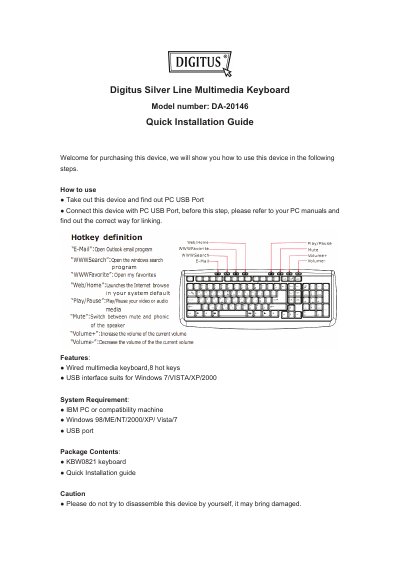
The Digitus DA-20146 is a wired Silver Line multimedia keyboard with 8 hot keys and a USB interface. It works with IBM PC or compatible machines running Windows 98/ME/NT/2000/XP/Vista/7, and the package includes the KBW0821 keyboard and this quick installation guide.
| Interface | USB |
|---|---|
| Hot keys | 8 |
| Compatible operating systems | Windows 98/ME/NT/2000/XP/Vista/7 |
| Computer requirement | IBM PC or compatibility machine |
| Required port | USB port |
It supports Windows 98/ME/NT/2000/XP/Vista/7.
The package contains the KBW0821 keyboard and the Quick Installation guide.
Find the PC USB port and connect the device to it.
No, do not try to disassemble the device yourself because it may be damaged.