
Quick installation guide for the DIGITUS DA-10081 single wireless charging pad with 5W, 7.5W, 10W and 15W charging, USB-C cable and LED indicator.
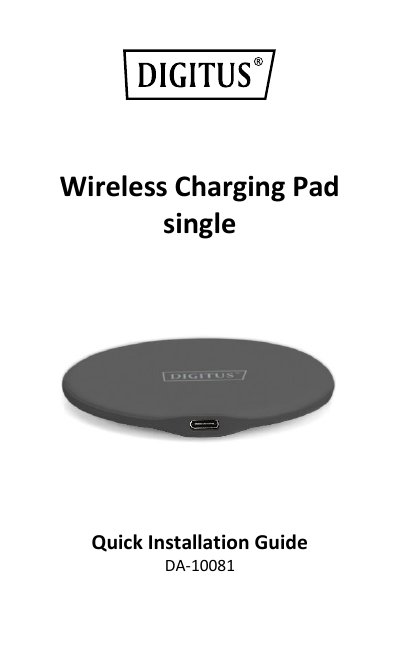
This is the Quick Installation Guide for the DIGITUS DA-10081 Wireless Charging Pad, a single 15W inductive charger for Qi-capable smartphones and Qi-capable AirPods. The pad distributes charging power intelligently depending on the device placed on it (5W, 7.5W, 10W or 15W) and offers overcharging, excess voltage and short circuit protection on a slip-proof base.
The guide covers the package content, specifications, product overview, and step-by-step instructions for powering the pad and charging a mobile device, including what the red and blue LED indicators mean and what to do if the pad overheats or a metal object interferes with charging. It also notes that a power adapter is not included and that protective covers thicker than 6 mm must be removed.
| Input voltage | 5V/2A, 9V/2A, 12V/2A |
|---|---|
| Power output | 5W / 7.5W / 10W / 15W |
| Dimensions | D: 100 x H: 7 mm |
| Weight | 49 g |
| Color | Black |
| Frequency band | 110~205 KHz |
| Maximum radio-frequency | 31.2 dBuA/m at 3 m distance |
| Cable length | 1.0 m |
| Housing | Fire-resistant material |
For the 7.5W and 10W quick-charging mode a QC2.0 / QC3.0 adapter (9V/2A, 12V/1.67A) is required, and for the 5W standard charging mode a 5V/2A adapter is required. The power adapter is not included in the scope of delivery.
The pad can charge through protective covers up to 5 mm thick; if the phone cover is more than 6 mm thick it must be removed, otherwise the phone cannot be charged.
The red LED is on when the pad is connected to a power source, the blue LED stays on while a mobile device is being charged, and both lights are off when the device is fully charged. A quickly flashing red or blue LED means there is improper operation.
The package contains 1x Wireless Charging Pad, single, 1x Quick Installation Guide and 1x connection cable USB-A to USB-C.