
This user manual for the DIGITUS DA-70843 adapter explains how to install drivers and connect the device to extend or mirror displays via USB 3.0.
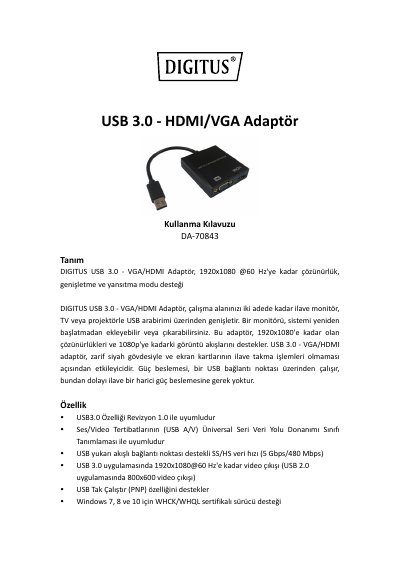
The DIGITUS DA-70843 is a USB 3.0 to VGA/HDMI adapter that supports resolutions up to 1920x1080 @ 60 Hz. It allows users to connect up to two additional monitors, TVs, or projectors to their computer system via a USB interface without requiring additional power, as it draws power directly from the USB connection. This manual is written in Turkish.
| Maximum Resolution | 1920x1080 @ 60 Hz |
|---|---|
| Data Transfer Speed | 5 Gbps / 480 Mbps |
| Power Supply | USB connection |
| Compatible Operating Systems | Windows 7, 8, 10 |
No, the adapter draws power from the USB connection point.
Yes, you can add or remove a monitor without restarting the system.
The maximum video output resolution is 1920x1080 @ 60 Hz.