
Instruction manual for a digital recorder covering power, recording, voice-activated recording, playback, line control, time settings, deletion and charging.
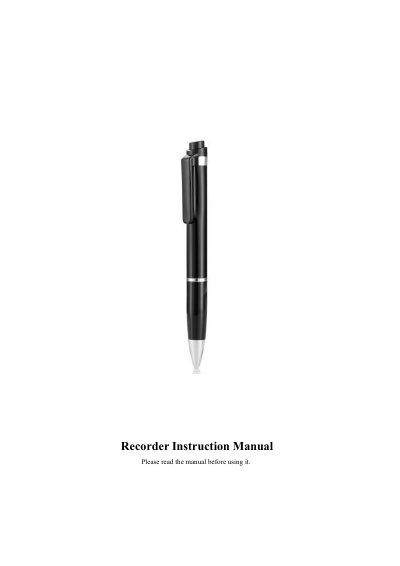
This digital recorder instruction manual explains the safety notices and operating steps for the recording device. It lists the controls and describes power on/off, recording, voice-activated recording, playback, line-control operation, date/time adjustment, file deletion, TXT document settings, charging, removable-disk use, formatting and troubleshooting.
The manual uses both English and Chinese text. It states that the product can record up to 999 files, supports adjustable bitrate, gain, audio segmentation and VOR settings, and includes a troubleshooting table. No brand or model name is given in the provided text. This manual is written in Chinese.
| Maximum recording files | Up to 999 files |
|---|---|
| Bitrate settings | 0-9 (0-192k, 1-32k, 2-64k, 3-128k, 4-192k, 5-384k, 6-512k, 7-768k, 8-1024k, 9-1536k) |
| Recording sensitivity | 1-7 |
| Audio segmentation | 10-240 minutes |
| Voice-control sensitivity | 1-5 |
| Formatting file system | FAT32 |
The manual says it can record up to 999 files and recommends cleaning the folder regularly.
Turn the voice switch to ON before recording; otherwise the recorder uses standard operation.
While paused, long-press VOL+ to enter the delete state, then short-press PLAY; deletion is complete when the blue light turns long.
Connect the recorder to a PC with the dedicated USB data cable and open the time-modification tool on the removable disk. The time can also be changed through the included “timeset” TXT file.