
Denver Electronics WCS-5020 Infrared Trail Camera User's Manual covering package contents, camera parts, power supply, memory card use, basic operation, and…
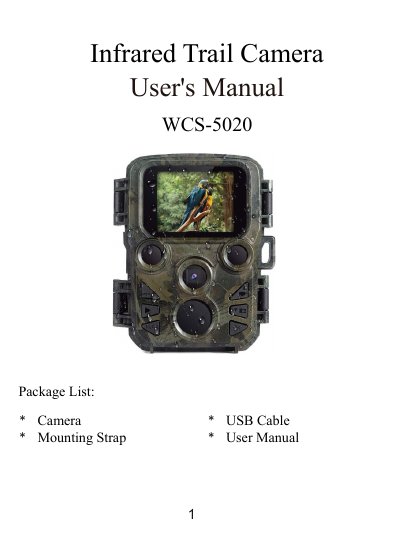
The Denver Electronics WCS-5020 Infrared Trail Camera user manual lists package contents including the camera, mounting strap, USB cable, and user manual. It identifies camera parts such as the display screen, IR lamps, lens, buttons, motion sensor, DC adapter port, tripod slot, Micro SD card slot, battery compartment, and ON-TEST-OFF button.
The guide explains power supply with four 1.5V AA batteries, Micro SD card insertion up to 32GB class 6 or above, turning the camera on and off, and navigating the setup menu to configure photo, video, resolution, sensitivity, time-lapse, language, and other settings.
| Battery type | 4 pieces of 1.5V AA batteries |
|---|---|
| Memory card capacity | up to 32GB class 6 or above |
| Photo resolution | 12MP / 8MP / 5MP / 3MP / 1MP |
| Video resolution | 1920x1080P / 1280x720P / 720x480P / 640x480P / 320x240P |
| Video length | 3 seconds to 10 minutes |
The camera uses 4 pieces of 1.5V AA batteries.
You are suggested to use a micro SD card up to 32GB with class 6 or above high speed.
Switch the Mode Button to “Test /On” to turn on the camera, and to “Off” to turn it off.