
This manual introduces the main features and operating methods of the 5W Wireless Charging Alarm Clock.
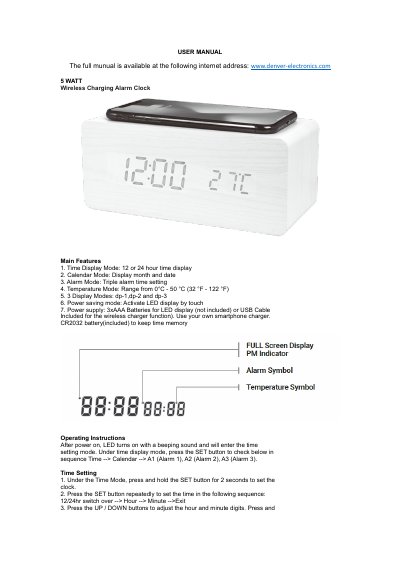
This user manual covers the operation of the Denver Electronics ECQ-104NL 5W wireless charging alarm clock. It includes instructions for setting time, date, and alarms, switching display modes, and using power-saving and touch control features. The device charges via USB and displays temperature, with a built-in CR2032 battery to retain time settings when power is off.
The manual also details specifications such as input/output voltage, charging distance, and power consumption, and includes safety information regarding disposal of electronic waste.
| Input | 5V 1A |
|---|---|
| Output | 5V 1A |
| Standby Power | <0.2W |
| Charging Distance | 5-10 MM |
| Charging Effect | 75% |
| Charging Power | 5 W |
| Max Output Power | 9W |
Under Time Mode, press and hold the SET button for 2 seconds to set the clock. Then press SET repeatedly to set 12/24hr, hour, and minute, adjusting with UP/DOWN buttons.
The charging distance is 5 to 10 millimeters.
In power-saving mode, the display turns off after 30 seconds of inactivity and turns back on with touch or when an alarm rings.
A built-in CR2032 battery keeps the time running when power is off, but other functions cannot be used.