
The Datamax H-Class printer user manual provides safety guidelines, installation steps, operation instructions, maintenance procedures, and technical…
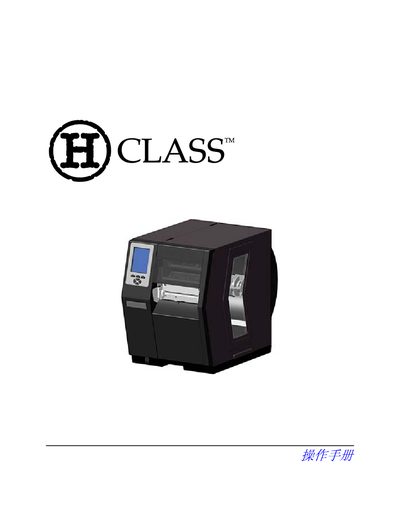
This manual covers everything you need to safely set up and operate a Datamax H-Class label printer. It begins with safety precautions, unboxing, and power‑connection requirements, then walks you through media loading, menu navigation, and printing options.
Later sections describe calibration, troubleshooting, and detailed technical specifications such as power consumption, dimensions, and supported communication interfaces. Appendices provide additional configuration details and a glossary of terms. This manual is written in Chinese.
| Input voltage range | 90‑132 VAC, 180‑264 VAC @ 47‑63 Hz |
|---|---|
| Power consumption (standard operation) | 150 W |
| Power consumption (standby) | 21 W |
| Height | 13 in (329.7 mm) |
| Width | 12.6 in (321.1 mm) |
| Depth | 18.9 in (480.1 mm) |
| Weight | 40 lb (18.1 kg) |
| Print speed | 2‑12 in/s (51‑305 mm/s) |
| Supported interfaces | USB, RS‑232, RS‑422/485, IEEE‑1284 parallel, Ethernet |
Read the installation and operation instructions, follow all warning labels, place the printer on a stable surface, keep it away from heat and water, and use only the recommended power supply and batteries.
The printer supports USB, RS‑232, RS‑422/485 (DB‑9), IEEE‑1284 parallel (Centronics), and Ethernet connections.
Select the Calibration menu and choose the Standard Calibration option to automatically adjust the sensor and print head settings.