
Key facts
- Manuals
- 5
- Categories
- 1
- Languages
- ZH · EN
- Last added
- 2026-10-03
Featured Datamax manuals
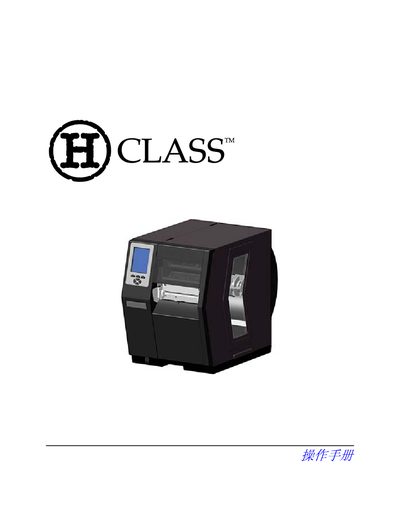
Datamax H-Class Printer User Manual
This manual covers everything you need to safely set up and operate a Datamax H-Class label printer. It begins with safety precautions, unboxing, and power‑connection requirements, then walks you through media loading, menu navigation, and printing options.
Later sections describe calibration, troubleshooting, and detailed technical specifications such as power consumption, dimensions, and supported communication interfaces. Appendices provide additional configuration details and a glossary of terms. This manual is written in Chinese.
Covers: Printer Overview · Installation · Media Loading · Menu System · Calibration · Maintenance
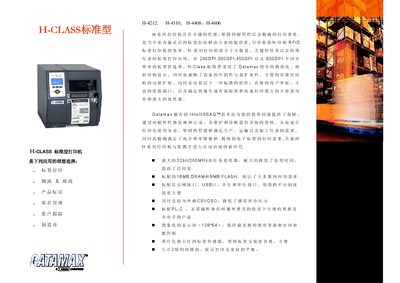
Datamax H-Class Standard H-4212/H-4310/H-4408/H-4606 Printer Manual
The H‑Class standard series from Datamax offers robust, high‑performance label printers for logistics, postal, and industrial applications. Models H‑4212, H‑4310, H‑4408 and H‑4606 share a modular design, durable metal housing, and an intuitive user interface with a 128 × 64 pixel back‑lit display.
Key specifications include multiple resolution options (203 dpi to 600 dpi), print speeds up to 12 in/s, extensive barcode support, and a variety of connectivity ports such as Ethernet, USB, parallel and serial interfaces. Optional accessories like RFID modules, larger LCD screens, and linear scanners expand functionality for demanding environments. This manual is written in Chinese.
Covers: Printing Speed · Resolution · Print Width · Weight & Dimensions · Print Type · Barcode Support
DATAMAX I-4208 Barcode Printer User Manual
This manual explains how to install the DATAMAX I-4208, including connecting the printer via serial or parallel cable, loading label rolls and ribbons, and configuring power settings. It also covers the control panel functions, LCD display messages, and the various reset procedures.
Additional sections describe media and print settings, communication options, diagnostic modes, and detailed performance specifications such as dimensions, speed, resolution, and supported interfaces. The troubleshooting chapter lists common error conditions and corrective actions. This manual is written in Chinese.
Covers: Installation · Control Panel Operation · Media Loading · Print Settings · Communication Interface · Diagnostics
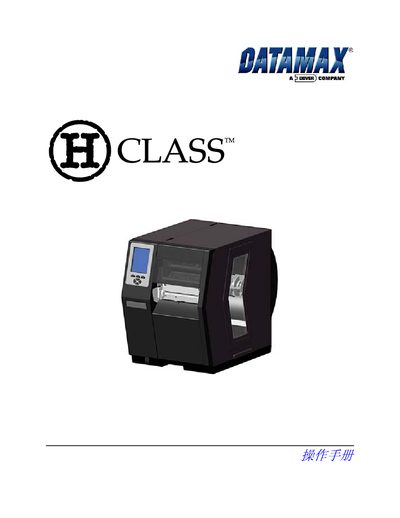
Datamax DMX-H Series Thermal Transfer Printer Class Manual
This class manual covers the Datamax DMX‑H series thermal‑transfer printers. It includes safety and regulatory compliance information, model specifications, and guidance on media handling.
The document lists the supported model numbers, safety directives (Low Voltage Directive 73/23/EEC, IEC60950‑1, EN 55022 Class B, etc.), EMC standards, and details on media types such as notched stock, pre‑printed media, ribbons, and print speed settings.
Covers: Declaration of Conformity · Safety Standards · EMC Compliance · Model Numbers · Media Types · Print Speed
Latest Datamax manuals
Datamax H-Class Printer User Manual
User Manual 176 pages · 4.4 MB · ZHThe Datamax H-Class printer user manual provides safety guidelines, installation steps, operation instructions, maintenance procedures, and technical…
Datamax Printer E seriesManual
Datamax H-Class Standard H-4212/H-4310/H-4408/H-4606 Printer Manual
Product Leaflet 2 pages · 300 KB · ZHThe Datamax H-Class standard printer manual provides specifications, features, and connectivity options for models H-4212, H-4310, H-4408, and H-4606.
DATAMAX I-4208 Barcode Printer User Manual
User Manual 21 pages · 990 KB · ZHThe DATAMAX I-4208 barcode printer user manual provides installation, operation, settings, diagnostics, and troubleshooting instructions.
Datamax DMX-H Series Thermal Transfer Printer Class Manual
User Manual 176 pages · 3.7 MB · ENThe Datamax DMX-H series thermal transfer printer class manual provides safety, compliance, and operating information for models DMX-H-4212x, DMX-H-4310x…
Which document do I need?
User Manual
Day-to-day operation, settings and troubleshooting. Start here if the product is already set up.
Questions answered in Datamax manuals
What safety precautions should be followed when using the printer?
Read the installation and operation instructions, follow all warning labels, place the printer on a stable surface, keep it away from heat and water, and use only the recommended power supply and batteries.
Which communication interfaces are supported by the H‑Class printer?
The printer supports USB, RS‑232, RS‑422/485 (DB‑9), IEEE‑1284 parallel (Centronics), and Ethernet connections.
What printing speeds are available for the H‑Class models?
The H‑4212 prints at 12 in/s, H‑4310 at 10 in/s, H‑4408 at 8 in/s, and H‑4606 at 6 in/s.
From: Datamax H-Class Standard H-4212/H-4310/H-4408/H-4606 Printer Manual
What resolutions can be selected on the H‑Class printers?
The printers are offered with 203 dpi, 300 dpi, 400 dpi, and 600 dpi options.
From: Datamax H-Class Standard H-4212/H-4310/H-4408/H-4606 Printer Manual
How do I connect the DATAMAX I-4208 printer to a computer?
Use a serial or parallel cable; connect one end to the computer’s serial/parallel port and the other end to the printer’s matching port, then power on the printer.
How do I load label paper into the printer?
Open the right‑hand cover, lift the print‑head lock, slide the label guide outward, place the label roll on the spindle with the paper facing up, feed it through the sensor, and close the cover.