
The manual provides overview, installation, configuration, troubleshooting, parts list and service information for the DATA‑6304 telemetry terminal.
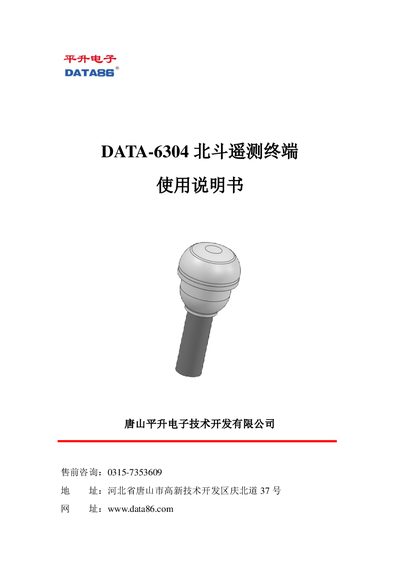
The DATA‑6304 telemetry terminal integrates a BeiDou communication module, a 4G all‑network wireless module and an RTU data‑acquisition module. It offers short‑range communication, fast positioning, precise timing, data collection, storage and alarm functions for applications such as geological disaster monitoring, flood warning, transportation and forest fire prevention.
This user manual covers product overview, installation steps (SIM card, antenna connectors, battery and mounting), debugging procedures (Bluetooth connection, parameter setting, data monitoring, firmware upgrade), safety precautions, common fault analysis, a complete parts list and after‑sales service details. This manual is written in Chinese.
| Enclosure | ABS+UV, IP67 |
|---|---|
| Dimensions | Φ180×197 mm (excluding base rod) |
| Weight | ≈2 kg (excluding base rod) |
| Operating temperature | -30 °C to +70 °C |
| Storage temperature | -40 °C to +85 °C |
| Relative humidity | 95 % non‑condensing |
| Standard power supply | DC 12 V solar panel |
| Built‑in battery | 7.4 V / 13.2 Ah |
| Standby current | ≤5 mA @7.4 V |
| 4G average current | ≤40 mA @7.4 V |
| BeiDou average current | ≤320 mA @7.4 V |
Select “Program Upgrade” in the app, then choose a local file or download from the central server to update the firmware.