
Installation guide for the d.Safe 300 series passive infrared motion and light sensor with Z‑Wave connectivity.
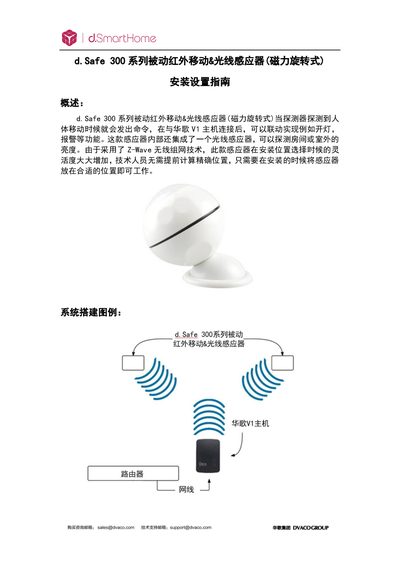
This guide explains how to install, configure, and maintain the d.Safe 300 series passive infrared motion & light sensor. It covers technical parameters, optimal mounting locations, and integration with the Huage V1 host and ELAN system.
Step‑by‑step instructions are provided for adding the sensor to the V1 host, deleting it, restoring factory settings, and creating automation scenes based on motion or light level triggers. This manual is written in Chinese.
| Working voltage | DC3V (CR123A lithium battery) |
|---|---|
| Battery life | 1 year |
| Standby current | ≤16 µA |
| Detection distance | 7 m |
| Detection angle | 110° |
| Communication technology | Z‑Wave |
| Z‑Wave range (indoor) | 30 m |
| Operating temperature | 0 °C ~ +40 °C |
| Maximum humidity | 95 % RH |
| Dimensions | 45 × 45 × 48 mm |
Enter the V1 host, select “Devices”, choose “Add Device”, pick “Generic Z‑wave device”, then follow the prompts to place the sensor within 3 m of the host and complete the 60‑second authentication.
Separate the sensor’s upper and lower parts, keep it powered, press and hold the certification/delete button for 10‑15 seconds, then release to restore factory defaults.
The sensor should be mounted at a height of 2 – 4 meters for optimal motion detection.