
CT CT6831 controller user manual covering functions, specifications, operation, parameters, alarms, and Modbus communication.
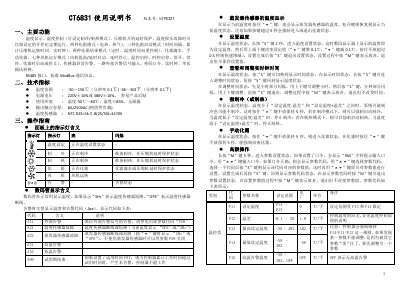
This manual is for the CT CT6831 controller. It describes main functions such as temperature display and control, compressor protection, defrost modes, fan modes, alarms, password, real-time clock, and RS485 Modbus communication.
It also provides technical specifications, panel indicator meanings, display and alarm codes, temperature and clock setting steps, forced cooling or heating, manual defrost, and advanced parameter settings. This manual is written in Chinese.
| Temperature range | -50 to 150 C (0.1 C resolution); -58 to 302 F (0.1 F resolution) |
|---|---|
| Power supply | 220 V ±10% or 380 V ±10%; see product rear label |
| Operating environment | Temperature -30 to 80 C; humidity <=85%; no condensation |
| Output contact capacity | 8 A / 250 V AC (purely resistive load) |
| Temperature sensor | NTC, R25 = 5 kΩ, B(25/50) = 3470 K |
| Communication | RS485 interface, standard Modbus protocol |
SHr means the temperature sensor is short-circuited; OPE means the temperature sensor is disconnected.
In temperature display state, long-press S for 2 seconds to enter temperature setting.
A21 indicates a temperature sensor fault, such as a disconnected or short-circuited sensor.
Long-press M for 5 seconds in temperature display state.