
The Compulab Micro SVR Owner's Manual covers package contents, specs, features, setup, booting, maintenance, BIOS, warranty, and power-saving tips.
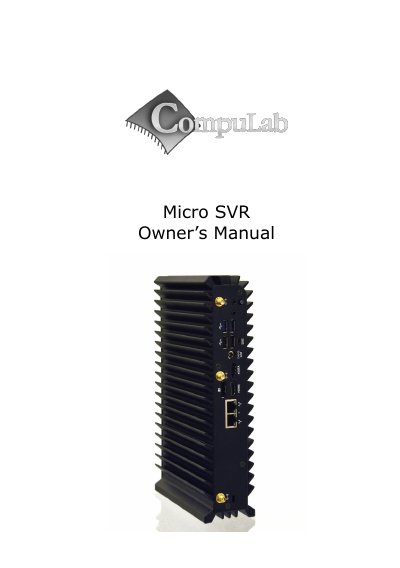
The Compulab Micro SVR is a compact computer described in this Owner's Manual. The document introduces package contents, hardware specifications, and product features, including CPU choices, storage, display, audio, wireless, LAN, USB, and serial interfaces.
It also includes a quick start guide for connecting and booting Linux or Windows 7, maintenance steps for installing drives and using the service bay, BIOS Setup Utility and RAID configuration details, warranty and RMA procedures, and tips for saving power.
| CPU | Intel Core CPU i7-3517UE 1.7GHz / i7-3555LE 2.5GHz |
|---|---|
| RAM | 2x ECC-DDR3 1333 SO-DIMM sockets (up to 16 GB) |
| Storage | Internal bay for 2.5” SATA-II HDD, mSATA slot, eSATA port |
| Display | HDMI / DVI + DisplayPort in dual head configuration |
| LAN | 2x 1000BaseT RJ45 |
| USB | 2x USB 3.0 5 Gbps, 2x USB 2.0 480 Mbps |
| Input Voltage | Unregulated 10V -15V, Nominal 12V DC |
| Dimensions | 26 x 16 x 6 cm |
CompuLab guarantees the product against defects in workmanship and material for 24 months from the date of shipment.
Turn off the Micro SVR, then turn it on while holding down the F2 key.
Use ECC DDR3-1333 SO-DIMM modules.
A push of at least 5 seconds will always turn off the Micro SVR.