
Quick start guide for the Clear-Com FreeSpeak II FSII BP19 wireless beltpack covering charging, basic operation, and menu mode.
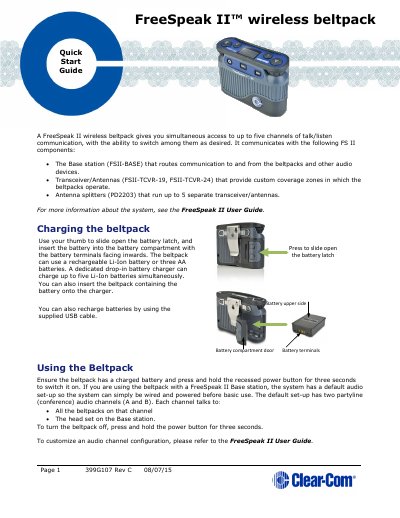
The FreeSpeak II wireless beltpack provides simultaneous access to up to five channels of talk/listen communication and works with a base station, transceiver/antennas, and antenna splitters. It can be powered by a rechargeable Li-Ion battery or three AA batteries, charged via a drop-in charger or USB cable.
The beltpack features four programmable keys (A, B, C, D) for channel selection, rotary controls for audio levels, a headset XLR connector, a 3.5 mm line input, and a micro USB port. Menu mode allows configuration, site surveys, and reading beltpack information.
| Channels | Up to five simultaneous talk/listen channels |
|---|---|
| Battery options | Rechargeable Li-Ion battery or three AA batteries |
| Headset connector | XLR connector on base/rear |
| Line input | 3.5 mm stereo jack |
| USB connector | Micro USB |
| Programmable keys | Four keys (A, B, C, D) for channel communication |
The beltpack provides simultaneous access to up to five channels of talk/listen communication.
Press and hold the Menu key for three seconds to enter Menu mode; press the Menu key again to exit.
The beltpack accepts a rechargeable Li-Ion battery or three AA batteries.