
Key facts
- Manuals
- 1
- Languages
- ZH
- Last added
- 2026-10-03
Featured Clear-Com manuals
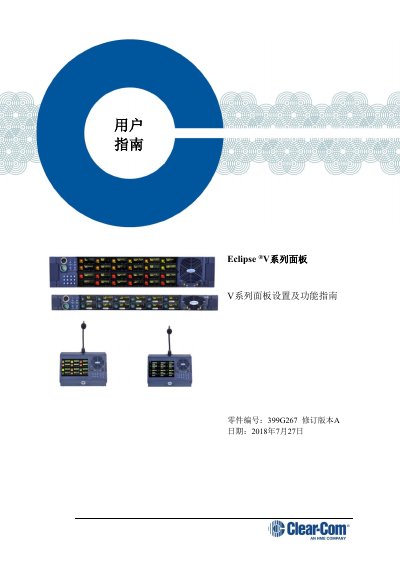
Clear-Com V Series Panel User Manual
This manual covers all aspects of the Eclipse V Series panels, including important safety instructions, detailed installation steps, wiring diagrams, and connection options for both analog and IP networks. It also explains the menu system, panel controls, and maintenance procedures.
Additional sections describe compliance information, specifications of connectors and cables, and a comprehensive terminology glossary to help users understand the panel’s functions and configuration options. This manual is written in Chinese.
Covers: Important Safety Instructions · Panel Overview · Installation and Placement · Wiring and Connectors · IP Connection and Network Setup · Menu System and Controls
Latest Clear-Com manuals
Clear-Com V Series Panel User Manual
User Manual 188 pages · 6.1 MB · ZHThe Clear‑Com V Series Panel User Manual provides safety, installation, wiring, IP configuration and operation instructions for Eclipse V series panels.
Which document do I need?
User Manual
Day-to-day operation, settings and troubleshooting. Start here if the product is already set up.
Questions answered in Clear-Com manuals
What type of power connector is required for the V Series panel?
The panel requires a power cable with an IEC C13 connector on one end and a standard power plug on the other, following IEC60320/IEC320 C13 standards and UL817 in the US.