
ChemoMetec NucleoView NC-3000™ Software User’s Guide

User guide for NucleoView NC-3000™ software, covering installation, operation, protocols, and troubleshooting for the NucleoCounter® NC-3000™ instrument.
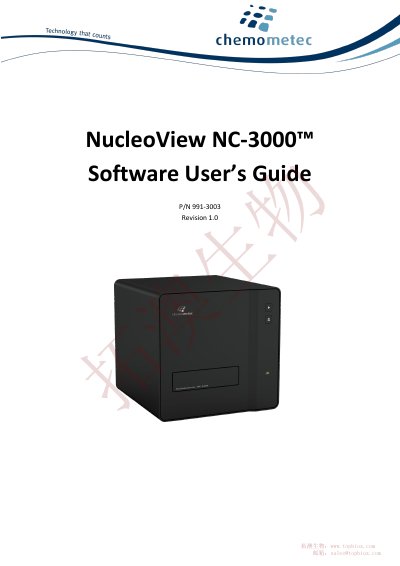

ChemoMetec NucleoView NC-3000™ Software User’s Guide - cover page
Brand
ChemoMetec
Category
Health Care
Document type
User Manual
Language
English
Pages
57
File format
PDF
File size
3.8 MB
Published
05 November, 2026
Updated
05 November, 2026
MD5 checksum
127AB5A4E605C1E7C1F33587B1445885

About this manual

This guide provides step-by-step instructions for installing and operating the NucleoView NC-3000™ software, including system requirements, license setup, and protocol configuration. It also covers troubleshooting, maintenance, and validation procedures for the NucleoCounter® NC-3000™ instrument. The guide is designed for users who need to set up and run analyses using the software and instrument together.

What's inside

  • Quick Guide
  • Installation Guide
  • Operation
  • Protocols
  • Troubleshooting
  • Maintenance
  • Help and Support

Frequently asked questions

What operating systems are supported for installing the NucleoView NC-3000™ software?

Windows 8, Windows 7 or Windows XP with service pack 3.

How do you start the NucleoView NC-3000™ software?

Start the software by double-clicking on the NucleoView NC-3000™ icon on the desktop.

Download PDF (3.8 MB)

More ChemoMetec Manuals


View all ChemoMetec manuals →