
This is a user manual for operating NucleoView™ NC-200™ software
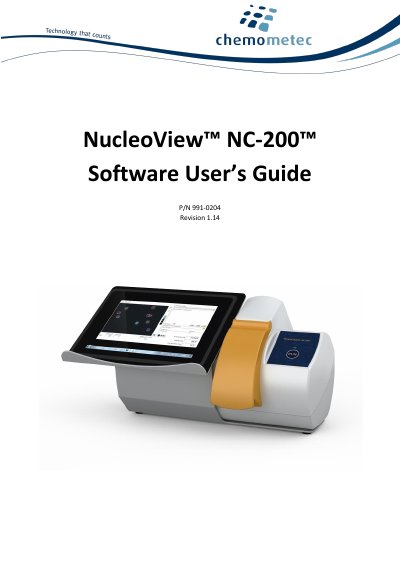
The NucleoView NC-200 Software User's Guide covers the installation, configuration, and operation of the NucleoView NC-200 software. It details system requirements, installation procedures for Windows 10 or 11, and how to manage licenses and protocols. The guide also explains how to perform analysis, generate reports, and maintain the software.
| Operating System | Windows 10 or 11 |
|---|---|
| RAM | 2 GB |
| Disc Space | 10GB |
| Clock Rate | 2.0 GHz |
| USB Port | USB 3.0 or USB 2.0 |
| Screen Resolution | 1024 x 768 pixels |
You can send questions to [email protected], visit the FAQ section on www.chemometec.com, or call (+45) 48 13 10 20.
The system requires Windows 10 or Windows 11, and if running with 21 CFR part 11 enabled, it must be Windows Pro or Enterprise.
You need at least 2 GB of RAM, 10 GB of free disc space, a clock rate of at least 2.0 GHz, and one USB 3.0 or USB 2.0 port.
The minimum screen size must be 1024 x 768 pixels.