
User guide for Changhong M3000 smart projector covering setup, remote pairing, focus, keystone, network, multi-screen, speaker modes, and safety.
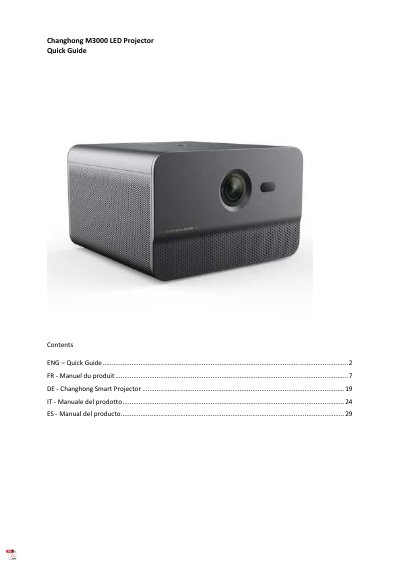
This manual provides step-by-step instructions for using the Changhong M3000 smart projector, including powering on/off, remote control pairing, focus adjustment, keystone correction, network setup, signal switching, multi-screen interaction, speaker modes, and safety precautions. It also includes a packing list and product appearance details. This manual is written in Chinese.
Press the Power button on the main unit, move the remote close to it, and press the Menu and Volume Down keys simultaneously for more than three seconds until 'Pairing' appears on the screen.
The projector must be operated in a temperature range of 0 to 35 degrees Celsius to prevent permanent damage.
You should use an ear wash ball to remove dust from the lens, as touching it with hands or ordinary cloths is prohibited.