
The CELMI XK3190-A12/A12E Indicator manual provides specifications, installation, operation, calibration, serial protocols, battery care and maintenance…
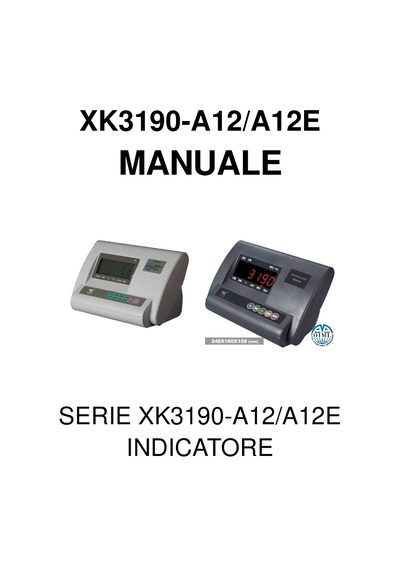
The XK3190-A12/A12E is a weight indicator that can function as a weight display, piece counter, totalizer and net/gross weight calculator. It features a 6‑digit LED display, waterproof keypad and RS‑232 serial port for PC or printer connection.
The manual covers installation, operation and calibration procedures, menu settings, serial communication commands, battery handling and routine maintenance. Detailed instructions are provided for zero‑tare, tare subtraction, piece counting and totalizing functions. This manual is written in Italian.
| Power consumption | 12 W |
|---|---|
| Operating temperature | -10 °C ÷ 40 °C |
| Storage temperature | -20 °C ÷ +50 °C |
| Battery | 6 V 4 Ah rechargeable |
| Dimensions | 245 × 170 × 170 mm (L × H × P) |
| Weight | 3 kg |
| Measurement range | -2000 to +999 999 divisions |
| Resolution options | 1, 2, 5, 10, 20, 50 divisions |
| Minimum input signal | 1 µV |
| Input range | -10 mV to +15 mV |
Press the [Func] key for more than 5 seconds while in weight indicator mode to open the configuration submenu.
Connect the power cable to the indicator; it will charge automatically. The first charge should last about 20 hours.
Send ‘R’ to read weight, ‘T’ to tare, and ‘Z’ to zero; the device replies with a string like “WWXXXXXXKg”.