
Key facts
- Manuals
- 2
- Languages
- IT
- Last added
- 2026-10-01
Featured Celmi manuals
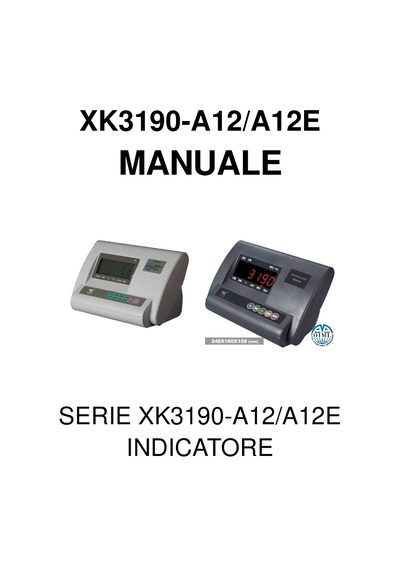
CELMI XK3190-A12/A12E Indicator Manual
The XK3190-A12/A12E is a weight indicator that can function as a weight display, piece counter, totalizer and net/gross weight calculator. It features a 6‑digit LED display, waterproof keypad and RS‑232 serial port for PC or printer connection.
The manual covers installation, operation and calibration procedures, menu settings, serial communication commands, battery handling and routine maintenance. Detailed instructions are provided for zero‑tare, tare subtraction, piece counting and totalizing functions. This manual is written in Italian.
Covers: Indicator Overview · Main Features · Installation · Operation and Calibration · Settings Menu Access · Serial Protocols
Latest Celmi manuals
CELMI XK3190-A12/A12E Indicator Manual
User Manual 13 pages · 290 KB · ITThe CELMI XK3190-A12/A12E Indicator manual provides specifications, installation, operation, calibration, serial protocols, battery care and maintenance…
Celmi 142 technology data
The low profile load cell type 142 can be used in small, medium and high loading capacity weighing systems.- Some applications are: Weighing in hoppers, tanks, silos, etc.- Weighing platforms- MAIN FEATURES: Water-proof - Side load high resistance - Stainless steel - Available with double bridge output (for redundant system) - Available with output (CIA 404) - Available with analog output 4-20mA - Soldered with microplasma - Standard nominal load from 500 to 150.000 kg - High precision (equivalent to OIML C3)
Which document do I need?
User Manual
Day-to-day operation, settings and troubleshooting. Start here if the product is already set up.
Questions answered in Celmi manuals
How do I access the main settings menu?
Press the [Func] key for more than 5 seconds while in weight indicator mode to open the configuration submenu.
How is the internal battery recharged?
Connect the power cable to the indicator; it will charge automatically. The first charge should last about 20 hours.