
User guide for the Celestron Model 44443445 LCD Digital Microscope, covering setup, operation, illumination, and maintenance.
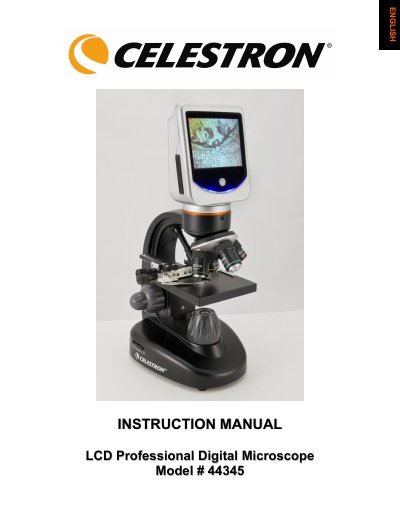
This manual provides instructions for the Celestron Model 44443445 LCD Digital Microscope, a precision optical instrument featuring a 3.5-inch touch screen monitor. Designed for users aged 13 and above, it allows for magnification from 40x up to 1600x using digital zoom and includes a built-in digital camera for snapshots and videos. The device comes with four objective lenses (4x, 10x, 20x, and 40x) and various accessories for examining specimens such as slides, fibers, and small objects.
The guide details the setup process, including connecting the AC adapter or using four AA batteries, and explains how to operate the mechanical stage and focus knobs. It also covers the use of top and bottom illuminators for optimal viewing of different specimen types and provides care and maintenance tips to ensure long-term performance.
| Stage Size | 3.5" x 3.5" (88mm x 88mm) |
|---|---|
| Digital Camera Sensor | 2MP CMOS |
| LCD Monitor Size | 3.5" (90mm) |
| Maximum Magnification | 1600x |
| Flash Memory | 1GB |
| Weight | 60oz/1.7Kg |
| Dimensions | 6.9" x 5.4" x 12.7" |
The lowest power is 40x, achieved using the 4x objective lens.
Battery life will typically be three hours when using four AA batteries.
Snapshots are saved in JPEG format and videos in 3GP files.