
User manual for BW Fleet Manager II software, which manages gas detector data, generates reports, and archives calibration records for BW instruments.
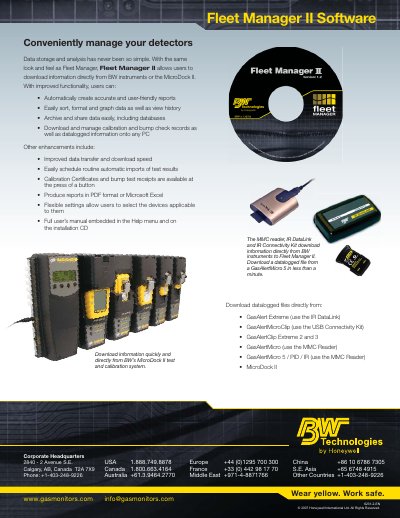
Fleet Manager II is software designed to conveniently manage gas detectors by downloading information directly from BW instruments or the MicroDock II. It offers improved functionality for creating reports, sorting and graphing data, archiving, and sharing data, as well as managing calibration and bump check records.
The software supports multiple gas detectors including GasAlert Extreme, GasAlertMicroClip, GasAlertClip Extreme 2 and 3, GasAlertMicro, and GasAlertMicro 5 / PID / IR. It allows users to produce reports in PDF or Microsoft Excel format and includes a full user's manual embedded in the Help menu.
The software downloads files from GasAlert Extreme, GasAlertMicroClip, GasAlertClip Extreme 2 and 3, GasAlertMicro, GasAlertMicro 5 / PID / IR, and MicroDock II.
It takes less than a minute to download a datalogged file from a GasAlertMicro 5.