
User manual for the Brydge Vertical Dock for MacBook Air (13-inch), covering assembly, installation, and usage guidelines.
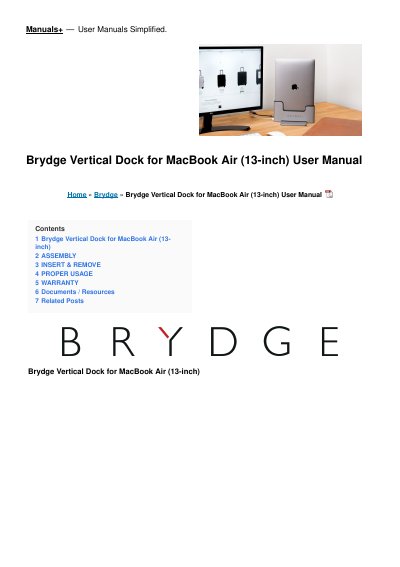
The Brydge Vertical Dock for MacBook Air (13-inch) is a docking solution that allows users to store their laptop vertically while maintaining connectivity via Thunderbolt 3 ports.
The manual provides step-by-step instructions for assembling the dock, inserting and removing the MacBook, and guidelines for proper usage to avoid port damage.
| Connectivity | Thunderbolt 3 ports |
|---|---|
| Compatibility | MacBook Air (13-inch) |
To use external displays, power must be connected along with an external keyboard and mouse.
The product comes with a 1-year limited hardware warranty.