
Key facts
- Manuals
- 1
- Languages
- FR
- Last added
- 2023-11-03
Featured Brydge manuals
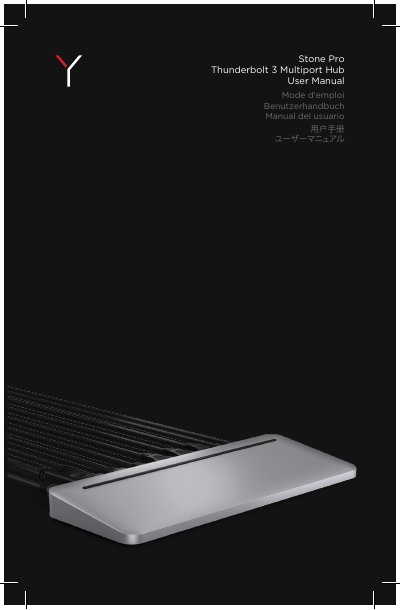
Brydge Stone Pro Thunderbolt 3 Multiport Hub User Manual
This is the multilingual user manual for the Brydge Stone Pro Thunderbolt 3 multiport hub (dock). It explains how the hub supports two 4K monitors at 4096 x 2304 and 60 Hz through the DisplayPort and the second Thunderbolt 3 port, or a single 5K monitor at 5120 x 2880 and 60 Hz over the second Thunderbolt 3 port, and notes that the USB-C port does not support video.
The manual lists each rear port from left to right - Thunderbolt 3, Gigabit Ethernet, USB Type-C, audio jack, USB Type-A ports, power, SD card slot, Thunderbolt 3 to computer and DisplayPort - together with its data and charging capability. It also explains the metal body's heat management, notes that the surface becoming warm under heavy use is normal, and closes with warranty and FCC compliance information. This manual is written in French.
Covers: Port icons · Connecting two displays · Heat management · Rear port layout · Warranty · FCC compliance
Latest Brydge manuals
Brydge Stone Pro Thunderbolt 3 Multiport Hub User Manual
User Manual 8 pages · 858 KB · FRBrydge Stone Pro Thunderbolt 3 multiport hub user manual covering port layout, connecting two displays, heat management and warranty.
Which document do I need?
User Manual
Day-to-day operation, settings and troubleshooting. Start here if the product is already set up.
Questions answered in Brydge manuals
How many displays can the Stone Pro support?
It supports dual monitors at 4K (4096 x 2304) at 60 Hz through the DisplayPort and the second Thunderbolt 3 port, or a single monitor at 5K (5120 x 2880) at 60 Hz over the second Thunderbolt 3 port.
From: Brydge Stone Pro Thunderbolt 3 Multiport Hub User Manual
Does the USB-C port support video?
No, the USB-C port does not support video.
From: Brydge Stone Pro Thunderbolt 3 Multiport Hub User Manual