
This manual provides instructions for connecting and using the Brydge Stone Lite USB-C Multiport MST Hub, including port specifications and warranty…
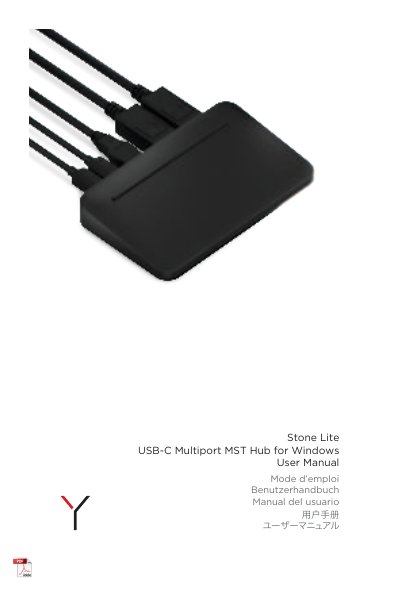
The Brydge Stone Lite USB-C Multiport MST Hub is designed to connect a single monitor at 4K resolution (4096 x 2160) at 60 Hz or dual monitors at 4K resolution (4096 x 2160) at 30 Hz via MST technology. The device features a USB Type-A port for data and 4.5 W charging, a USB-C port for data and video with charging capability, and a dedicated USB-C charging port. This manual is written in Chinese.
| Single Monitor Resolution | 4K (4096 x 2160) at 60 Hz |
|---|---|
| Dual Monitor Resolution | 4K (4096 x 2160) at 30 Hz |
| USB Type-A Function | Data + 4.5 W charging |
| USB-C to Computer Function | Data + Video provides charging |
| HDMI Ports | HDMI 2.0 x 2 |
| Warranty Period | 1-year limited hardware warranty |
The hub supports a single monitor at 4K resolution (4096 x 2160) at 60 Hz.
The hub supports dual monitors at 4K resolution (4096 x 2160) at 30 Hz.
Yes, the USB Type-A port provides data and 4.5 W charging.