
User guide for the Brother PT-2430PCz P-touch label printer, covering safety, tape installation, and P-touch Editor Lite software usage.
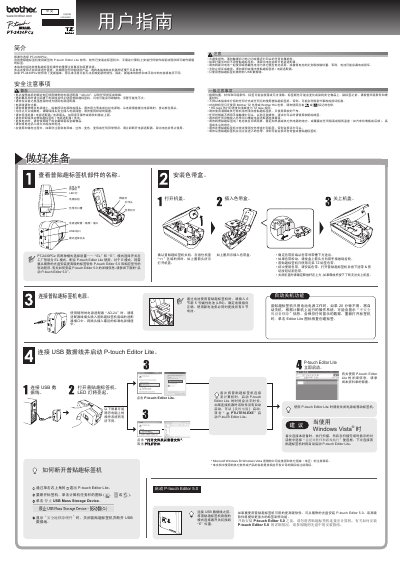
The Brother PT-2430PCz is a P-touch label printer that utilizes P-touch Editor Lite software installed directly on the device, allowing users to create labels without installing software or drivers on a computer. It supports both TZ and HG tapes and can be powered by an AC adapter or batteries.
The device offers two operating modes: EL mode for P-touch Editor Lite and E mode for the more advanced P-touch Editor 5.0 software. The manual provides instructions on hardware setup, tape replacement, and basic label creation functions. This manual is written in Chinese.
| Dimensions | 67mm (W) x 188mm (L) x 111mm (H) |
|---|---|
| Weight | 570g (without batteries and tape cassette) |
| Power Source | AD-24 AC adapter or 6 AA alkaline batteries (LR6) |
| USB Port | Mini USB Type B |
| Compatible Tapes | Brother TZ (3.5, 6, 9, 12, 18, 24mm) and HG (9, 12, 18, 24mm) |
You can restart it by turning the machine off and on, disconnecting and reconnecting the USB cable, or starting it from 'My Computer'.
This usually indicates a dirty print head; clean it using a cotton swab or the optional TZ-CL4 print head cleaning tape.
The printer will automatically shut down to save power.