
User manual for the Black Box ClassWork Junior KVM switch, covering specifications, installation, configuration and troubleshooting.
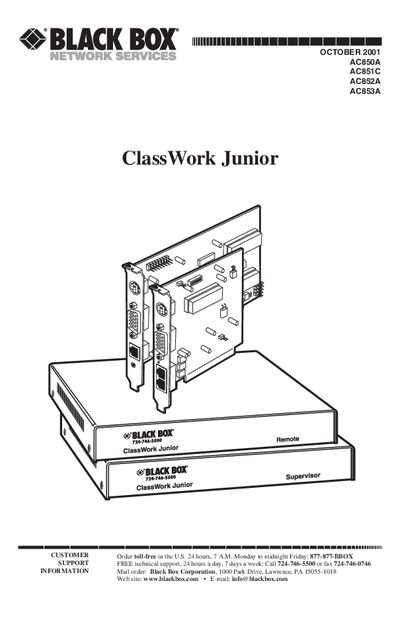
The ClassWork Junior is a keyboard, video, and mouse (KVM) distribution switch that lets you connect up to 32 computers in a single system. It is available in an internal PCI‑card version and an external box version, both fully compatible.
The manual provides detailed specifications, step‑by‑step installation instructions, OSD configuration, password protection, and troubleshooting guidance, along with appendices for driver settings on various operating systems.
| Maximum Number of Remote PCs | 31 |
|---|---|
| Resolution | Up to 1280 x 1024 pixels |
| Refresh Rate | 75 Hz |
| System Cable Specification | RJ‑45 male/RJ‑45 male, Ethernet 100BASE‑T4 CAT5 FTP |
| Supervisor Card Power | +5 V/250 mA, -12 V/120 mA |
The system can connect up to 32 computers, with a maximum of 31 remote PCs plus one local workstation.
The system uses RJ‑45 male to RJ‑45 male connectors with Ethernet 100BASE‑T4 CAT5 FTP cable.
The Supervisor Card draws +5 V at 250 mA and -12 V at 120 mA from the PCI interface.