
Key facts
- Manuals
- 2
- Languages
- EN
- Last added
- 2026-09-29
Featured BlackBox manuals
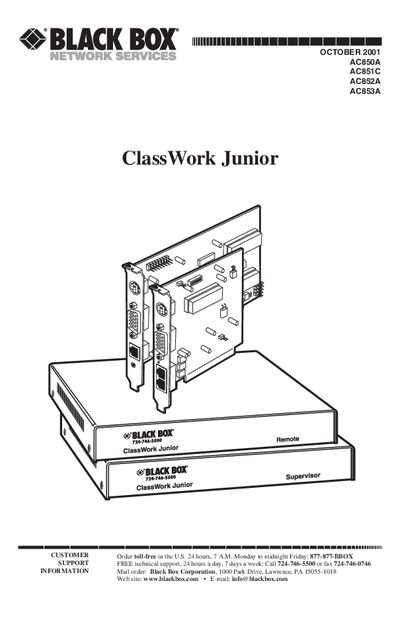
Black Box ClassWork Junior AC850AAC851CAC852AAC853A User Manual
The ClassWork Junior is a keyboard, video, and mouse (KVM) distribution switch that lets you connect up to 32 computers in a single system. It is available in an internal PCI‑card version and an external box version, both fully compatible.
The manual provides detailed specifications, step‑by‑step installation instructions, OSD configuration, password protection, and troubleshooting guidance, along with appendices for driver settings on various operating systems.
Covers: Specifications · Introduction · Installing the ClassWork Junior Cards · Connecting the System · OSD Functions · Password Protecting the OSD
Latest BlackBox manuals
Black Box ClassWork Junior AC850AAC851CAC852AAC853A User Manual
User Manual 70 pages · 362 KB · ENUser manual for the Black Box ClassWork Junior KVM switch, covering specifications, installation, configuration and troubleshooting.
BlackBox LWU0200 Power over Ethrenet user manual
This document provides the user manual for BlackBox LWU02001.0 Power over Ethrenet, including installation restrictions and laser safety regulations.
Which document do I need?
User Manual
Day-to-day operation, settings and troubleshooting. Start here if the product is already set up.
Questions answered in BlackBox manuals
How many computers can be connected to the ClassWork Junior?
The system can connect up to 32 computers, with a maximum of 31 remote PCs plus one local workstation.
From: Black Box ClassWork Junior AC850AAC851CAC852AAC853A User Manual
What type of cable is used for the system connection?
The system uses RJ‑45 male to RJ‑45 male connectors with Ethernet 100BASE‑T4 CAT5 FTP cable.
From: Black Box ClassWork Junior AC850AAC851CAC852AAC853A User Manual