
Quick start guide for setting up and using bkFusion on bk3000 and bk5000 ultrasound systems, including MRI data import and biopsy workflow.
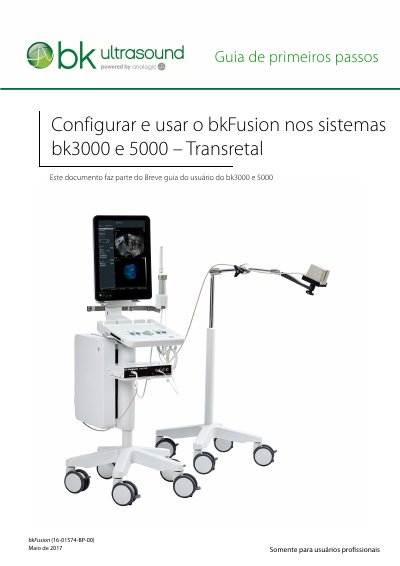
This quick start guide explains how to set up and use the bkFusion on bk3000 and bk5000 ultrasound systems. It covers the hardware configuration, including connecting the electromagnetic control unit, transmitter and sensor, and describes the components shown in the bkFusion hardware setup.
The guide then explains how to transfer MRI data from USB/CD in DICOM format, from MIMcloud, or from a remote patient list/PACS. It also covers contouring and recontouring MRI slices, predictive fusion, starting a procedure, performing a biopsy with bkFusion, and saving biopsy results to create a report. This manual is written in Portuguese.
| Compatible ultrasound systems | bk3000 and bk5000 |
|---|---|
| Transducer | E14C4t |
| MRI data format | DICOM |
| Connection to bk3000 | USB cable |
| MRI data download time | Two to five minutes, depending on dataset size |
The guide describes using bkFusion on the bk3000 and bk5000 ultrasound systems.
The data take between two and five minutes to download, depending on the size of the data sets.
A MIMcloud group must be configured by MIM Software, users must have MIMcloud accounts, and the BK Ultrasound system must have Internet access.
Select a URO Prostate preset, activate a fusion-compatible transducer, open the Fusion and Advanced View tabs, then use Import, Browse, Select Folder and Import All.