
This Chinese operation manual explains installation, setup, and use of the Bio‑Tek ELX800 full‑automatic ELISA reader.
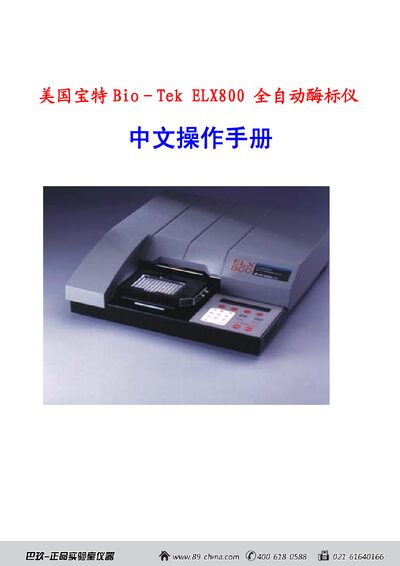
The manual provides step‑by‑step instructions for installing the ELX800, including workspace requirements, unpacking, filter‑wheel installation, and connecting peripherals such as printers and serial/parallel interfaces.
It also covers operating procedures like selecting analysis modes, defining standards, entering blank positions, and using diagnostic functions, with detailed screen prompts and key sequences for each task. This manual is written in Chinese.
| Operating temperature range | 15 °C – 40 °C |
|---|---|
| Standard filter wavelengths | 450 nm, 490 nm, 630 nm |
| UV filter wavelengths | 405 nm, 450 nm, 490 nm, 630 nm, 340 nm |
| Parallel port interface | 25‑pin D‑sub connector |
The ELX800 should be used in an environment between 15 °C and 40 °C.