
Installation and user manual for the BFT 6100 Cellular Intercom System, covering SIM card setup, wiring, GSM programming, keypad use and troubleshooting.
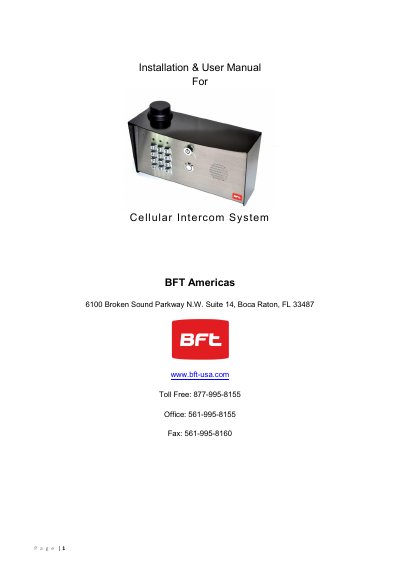
This manual covers the BFT 6100 Cellular Intercom System. It describes the system overview, site survey for GSM coverage, SIM card requirements, power supply and cabling, the call box layout, mounting, SIM card insertion, GSM controller connections, keypad connections, wiring to a gate controller, and powering up.
It then explains programming the GSM unit by SMS, keypad overview and programming, use of the keypad and intercom, SMS control, checking whether the gate is open or closed, the optional app, maintenance, and troubleshooting. The text states the system should only be installed by a professional automatic gate installer or access control specialist dealer.
| Power supply | 24 V DC, 1 A |
|---|---|
| Recommended power cable | 14 gauge |
| Maximum power cable length | 25 feet |
| Cellular networks in the USA | At&T and T-Mobile |
| Cellular system | 2G or 3G |
| Network frequencies | 850/900/1800/1900 MHz |
| Peak current | Up to 2 Amps |
| Dial-out numbers | Up to 3 telephone numbers in sequence |
| Caller ID numbers | Up to 100 numbers |
| Default programming passcode | 1234 |
It needs a regular voice and SMS text SIM card, not a data-only SIM card.
The GSM module can dial up to three telephone numbers in sequence.
Send *20# by SMS to the intercom's SIM card number; the unit replies with a reception level between 1 and 31.
The default programming passcode is 1234.