
User manual for the Behringer XENYX 502/802/1002/1202 mixing console, covering controls, connections, installation and specifications.
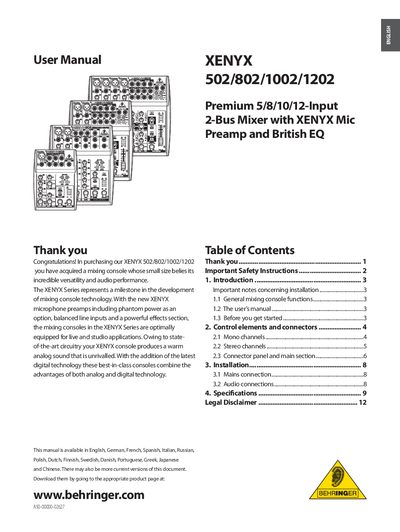
This manual provides an overview of the XENYX series mixing consoles, describing the microphone preamps, British EQ, and the range of input and output options. It explains the basic functions of signal processing, distribution, and mixing, and guides users through the control layout.
The document also details safety instructions, installation steps, connector descriptions, and technical specifications. It includes information on phantom power, low‑cut filters, FX sends, and other features needed for both live and studio applications.
| Mic preamp dynamic range | 130 dB |
|---|---|
| Equalizer bands (502 model) | 2‑band EQ |
| Equalizer bands (other models) | 3‑band EQ |
| Low‑cut filter slope | 18 dB/oct., -3 dB at 75 Hz |
| Band boost/cut range | ±15 dB |
| Phantom power voltage | +48 V |
| Input sensitivity options | +4 dBu / -10 dBV |
Press the PHANTOM switch; the +48 V LED lights up to indicate phantom power is active.
It eliminates unwanted low‑frequency signal components with a steep 18 dB/octave slope.
Turn the GAIN control fully counter‑clockwise before connecting or disconnecting a source, then increase it until the level peaks at 0 dB.