
This manual provides step‑by‑step operating instructions for the Beckman P/ACE MDQ capillary electrophoresis instrument.
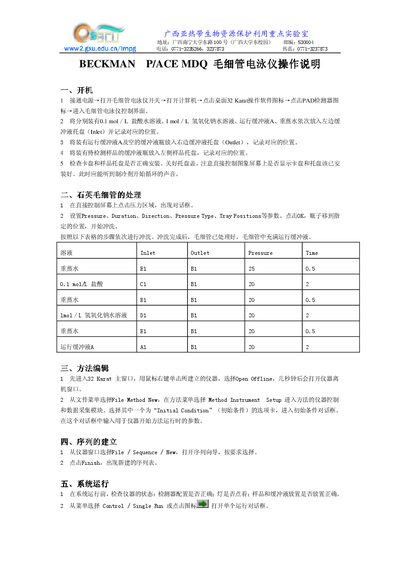
The guide describes how to power on the instrument, load reagents, edit methods, create sequences, and run a single analysis. It also shows how to use the 32 Karat software to control the instrument and monitor the detector.
Additional sections cover quartz capillary preparation, safety precautions during high‑voltage operation, and the proper shutdown procedure to protect the device and the user. This manual is written in Chinese.
Connect the power, turn on the instrument switch, start the computer, click the 32 Karat software icon, then click the PAD detector icon to enter the control interface.
Do not open the tray cover during operation because the instrument generates high voltage.