
Beckhoff GP-Pro EX TwinCAT ADS/AMS Driver Device/PLC Connection Manual

Beckhoff GP-Pro EX TwinCAT ADS/AMS Driver connection manual for display and external PLC setup.
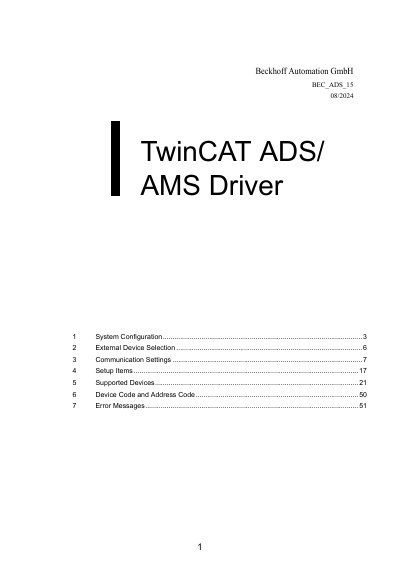

Beckhoff GP-Pro EX TwinCAT ADS/AMS Driver Device/PLC Connection Manual - cover page
Brand
Beckhoff
Category
Automation control Equipment
Document type
Installation Guide
Language
English
Pages
52
File format
PDF
File size
1.1 MB
Published
11 November, 2026
Updated
11 November, 2026
MD5 checksum
19DC89B78129C45E251C32B3D30D6344

About this manual

This manual from Beckhoff describes how to connect a Display to an External Device such as a target PLC with the TwinCAT ADS/AMS Driver GP-Pro EX.

It covers system configuration, external device selection, communication settings, setup items, supported devices, device code and address code, and error messages.

What's inside

  • System Configuration
  • External Device Selection
  • Communication Settings
  • Setup Items
  • Supported Devices
  • Device Code and Address Code
  • Error Messages

Frequently asked questions

How do you connect the Display and External Device?

The manual describes how to connect the Display and the External Device (target PLC).

What should you check about the IP address?

Check with a network administrator about IP address. Do not set the duplicate IP address in the same network.

Download PDF (1.1 MB)

More Beckhoff Manuals


View all Beckhoff manuals →