
This manual introduces the safety information, structure, interfaces, installation, switching on and off, and maintenance of the Beckhoff C6017 Industrial PC.
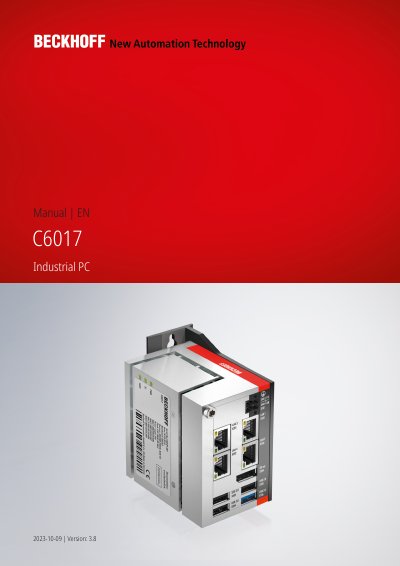
This manual provides instructions for safely installing, commissioning, and maintaining the Beckhoff C6017 Industrial PC. It details interfaces including power, Ethernet, USB, and DisplayPort, and covers optional components like UPS and storage. Safety precautions, technical data, and troubleshooting are included for proper operation in industrial environments.
The C6017 is an ultra-compact industrial PC designed for space-saving control cabinet installation. It features an Intel® processor, 2x DRAM SODIMM, M.2-SSD, and 24V DC power supply. It supports automation, visualization, IoT, and HMI applications with optional interfaces for customization.
| Processor | Intel® |
|---|
It is intended for use as a control system for automation, visualization and communication in machine and system engineering.
No, it is designed for IP20 environments with protection against solid objects up to 12.5 mm, but not water or dust.