
Beckhoff Service Tool (BST) is a service tool for Beckhoff systems for creating and restoring backups, remote access and configuration of Beckhoff systems.
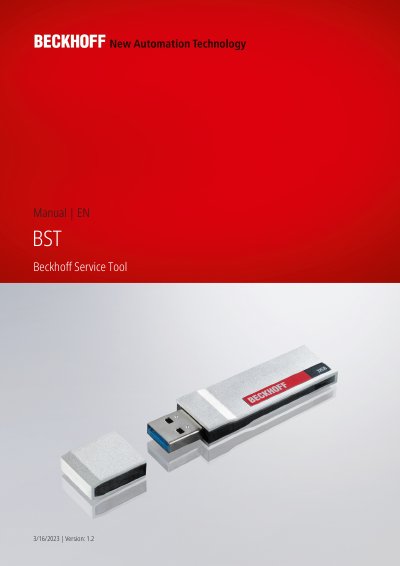
The Beckhoff Service Tool (BST) is an easy-to-use graphical backup and restore program for industrial PCs with a Windows operating system. It can create an image of the operating system at any time and restore created images in case of failure. The BST is supplied on a USB stick available in 4, 8, 16 or 32 GB sizes, starts when the industrial PC boots from the BST stick, and can save images on the industrial PC, on a network drive, or directly on the BST stick.
BST is available in Flat Boot and RAM Boot versions, depending on platform RAM and BIOS mode. The manual also covers updating a BST stick with the ApplyBST tool, remote access with TightVNC, backup and restore procedures, configuration options such as Easy mode, image management, linked buttons, network drives and Fallback, plus error handling and diagnostics.
| BST stick sizes | 4, 8, 16 or 32 GB |
|---|---|
| Flat Boot minimum RAM | 256 MB |
| RAM Boot minimum RAM | 2 GB |
| Flat Boot BIOS mode | Legacy |
| RAM Boot BIOS mode | Legacy/UEFI (x64) |
| Flat Boot Acronis version | Acronis True Image 9.1 |
| RAM Boot Acronis version | Acronis Backup 11.x |
It is an easy-to-use graphical backup and restore program for industrial PCs with a Windows operating system.
The BST is supplied on a USB stick.
Before a new image is restored, it creates a backup of the original image so the original image can be restored if an error occurs.
Use the ApplyBST tool, which is only compatible with Beckhoff BST sticks.