
Beckhoff CP22xx multi-touch built-in Panel PC installation and operating instructions: interfaces, mounting, power supply, operation and maintenance.
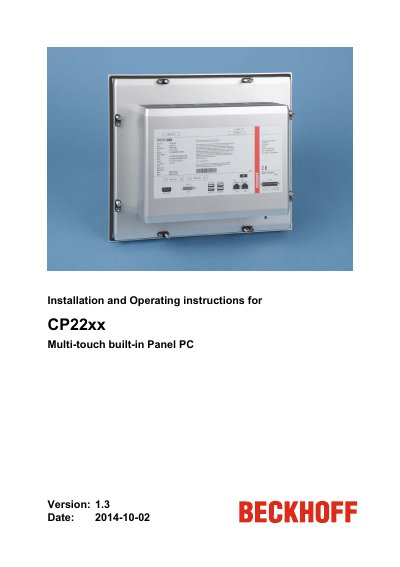
This document is the installation and operating instructions for the Beckhoff CP22xx multi-touch built-in Panel PC, version 1.3 dated 2014-10-02. It is intended for trained specialists in control and automation engineering and covers safety notes, product description, installation, operation, servicing and maintenance, optional UPS software, troubleshooting, assembly dimensions and technical data.
The CP22xx has an aluminium housing with a glass front, all connectors at the bottom of the rear side, a slot for a 2½-inch hard disk or SSD and a slot for a CFast card, and a fan cartridge at the PC top side accessible from outside. Its front side is IP 65 and its rear side IP 20; the multi-finger touch screen uses a TFT display available in seven sizes.
| Housing | Aluminium housing with glass front |
|---|---|
| Display | TFT display in seven sizes |
| Touch screen | Multi-finger touch screen |
| Protection class | Front side IP 65, rear side IP 20 |
| Storage | 1 slot for one 2½-inch hard disk or SSD |
| Connector location | All connectors at the bottom of the rear side |
| Fan | Fan cartridge at the PC top side, accessible from outside |
The front side is IP 65 and the rear side is IP 20.
The TFT display is available in seven sizes.
Software that is running must be properly closed before the Panel PC is switched off.
The unit must be allowed to slowly adjust to room temperature, and if condensation occurs a delay time of approximately 12 hours must be allowed before switching on.