
The Banner Engineering Performance P1 Node datasheet details specifications, configuration options, and wiring for this wireless industrial I/O device.
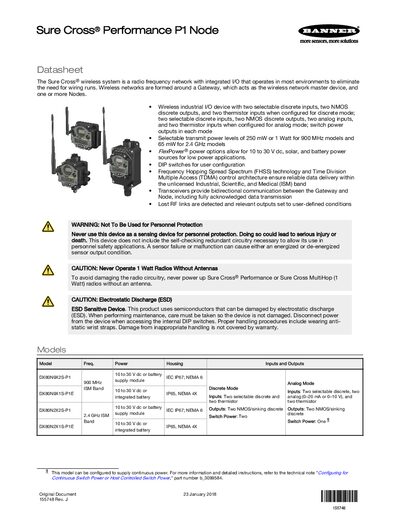
The Performance P1 Node is a wireless industrial I/O device that eliminates wiring runs by forming a radio‑frequency network around a Gateway and one or more Nodes. It supports discrete, analog, and thermistor inputs, NMOS discrete outputs, and selectable transmit power levels.
The datasheet provides information on model variations, power options, DIP‑switch configuration, wiring diagrams, battery replacement, and Modbus register mapping, helping users set up, configure, and maintain the system.
| Inputs/Outputs (Discrete mode) | Two selectable discrete inputs, two NMOS discrete outputs, two thermistor inputs |
|---|---|
| Power Options | 10 to 30 V dc, solar, or battery (FlexPower) |
| Transmit Power Levels | 250 mW or 1 W for 900 MHz models; 65 mW for 2.4 GHz models |
| Radio Range | Up to 9.6 km (6 mi) at 900 MHz 1 W; up to 3.2 km (2 mi) at 2.4 GHz 65 mW |
| Housing Rating | IEC IP67, NEMA 6 |
Press and hold button 1 for 5 seconds; the LEDs stop blinking and the radio enters storage mode.
All DIP switches are set to OFF by default.