
This guide describes the setup and operation of the Azoteq IQS72xxxEV01 Evaluation Kit, including instructions for interfacing with a PC and using the GUI…
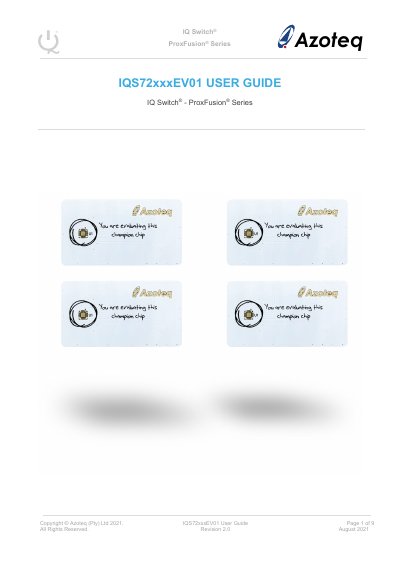
The IQS72xxxEV01 Evaluation Kit is designed to help application and development engineers evaluate the capabilities of the IQ Switch® Prox Fusion® Series ICs. The kit consists of five parts: four different stamp boards (IQS7211A, IQS7222A, IQS7222B, and IQS7222C), each containing five ICs, and a connector board. To visualize raw data from the kit, the stamp board must be interfaced to a personal computer with USB support.
The kit consists of four stamp boards (IQS7211A, IQS7222A, IQS7222B, IQS7222C), each with 5 ICs, and a connector board.
The latest version of the IQS72xxx GUI is available for download from the Azoteq website (www.azoteq.com).