
This guide explains how to set up and use the Azoteq IQS7211A EV-kit to evaluate the IQ Switch ProxFusion Series trackpad IC via USB and GUI.
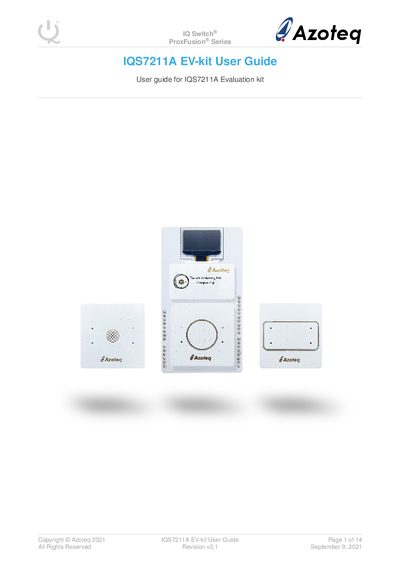
The IQS7211A EV-kit is an evaluation tool designed for application and development engineers to assess the capabilities of the IQS7211A IC. The kit consists of a stamp board containing the IC, a connector board, a base board, and three plug-in trackpad boards: Rectangle, Circle, and Flower. It allows users to visualize raw data from the trackpads by interfacing the stamp board with a personal computer via USB.
The kit is designed to help application and development engineers evaluate the IQS7211A's capabilities.
You should use the CT210A connector to interface the kit to a PC.
You can perform all 6 possible gestures as shown in the GUI.