
This datasheet describes the Azoteq IQS5 50EV02 trackpad demo module, detailing its configuration, hardware connections to CT210/DS100 dongles, and…
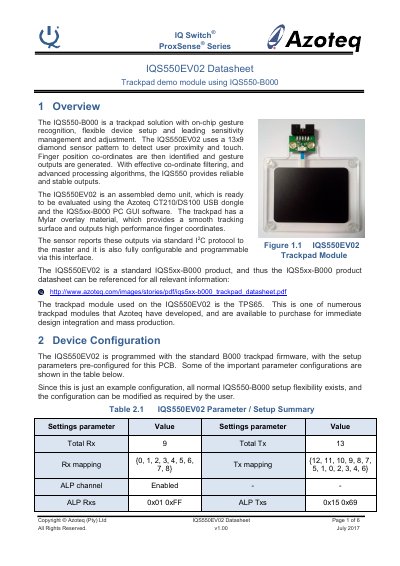
The IQS5 50EV02 is a trackpad demo unit utilizing the IQS5 50-B000 chip with on-chip gesture recognition. It features a 13x9 diamond sensor pattern to detect user proximity and touch, outputting finger coordinates via standard I2C protocol. The module includes a Mylar overlay for smooth tracking and is pre-configured with standard B000 firmware.
| Sensor Pattern | 13x9 diamond sensor pattern |
|---|---|
| Resolution | 1024 x 768 |
| Interface Protocol | I2C |
| Active Mode Current (1 finger) | 2.7 mA |
| Idle Mode Current | 340 uA |
Connect the 10-way ribbon cable from the CT210/DS100 dongle to the P1 connector on the trackpad module.
No, the device is already programmed with standard settings and does not require general evaluation programming.
Evaluation is performed using the Azoteq CT210/DS100 USB dongle and the IQS5xx-B000 PC GUI software.