
The AVENTICS PE2 pressure switch operating instructions cover installation, operation, and maintenance for the pneumatic PE2 series pressure switch.
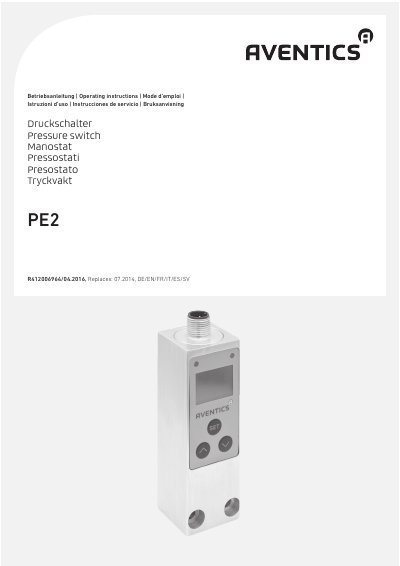
This document is the operating instructions for the AVENTICS PE2 series pressure switch. It is intended for fitters, operators, and service technicians and covers safety information, intended use, scope of delivery, device description, mounting, and commissioning.
The PE2 is a pneumatic device for monitoring pressure values in machines or plants. It converts the applied relative pressure into digital switching signals or a digital and/or analog current signal, depending on the version. This manual is written in German.
| Electrical connection | M12 x 1, 5-pole, A-coded |
|---|---|
| Flange connection tightening torque | 2.5+0.5 Nm |
| G1/4 connection tightening torque | 12+1 Nm |
| Measuring range | -1…+1 bar |
| Measuring range | 0...16 bar |
It serves as a switch in signal, control, and regulation circuits and monitors the applied relative pressure.
Only a qualified specialist or an instructed person under the direction of a specialist may perform the described activities.
It uses an M12 x 1, 5-pole, A-coded electrical connection.
Switch the relevant plant part to zero voltage and depressurize it before mounting.