
User manual for the AUKEY HD-C40 CD slot magnetic phone mount, covering package contents, installation, metal plate use, and warranty support.
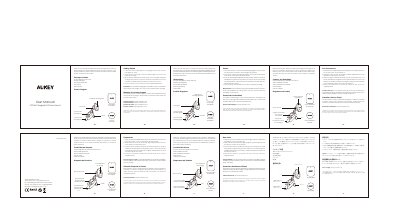
The AUKEY HD-C40 is a CD slot magnetic phone mount for cars. This manual covers the package contents, product diagram, installation steps, and warranty and customer support information.
Installation involves loosening the screw to slide the mounting grips into the car's CD slot, adjusting the mount angle with the pivot lock, attaching either the circular or rectangular metal plate to or between the phone and case, and magnetically attaching the phone. The manual also notes that the metal plate may interfere with wireless charging.
Loosen the screw, slide the mounting grips into the CD slot, and tighten the screw; then loosen the pivot lock, choose the desired angle, and tighten the nut.
Use the circular metal plate for small phones and the rectangular metal plate for big phones.
The metal plate might interfere with wireless charging, so remove it before charging.
Contact the regional support email and include your Amazon order number and product model number.