
This is a product user manual that introduces the function keys, function combinations, brightness adjustment, backlight effects and other functions of the keyboard
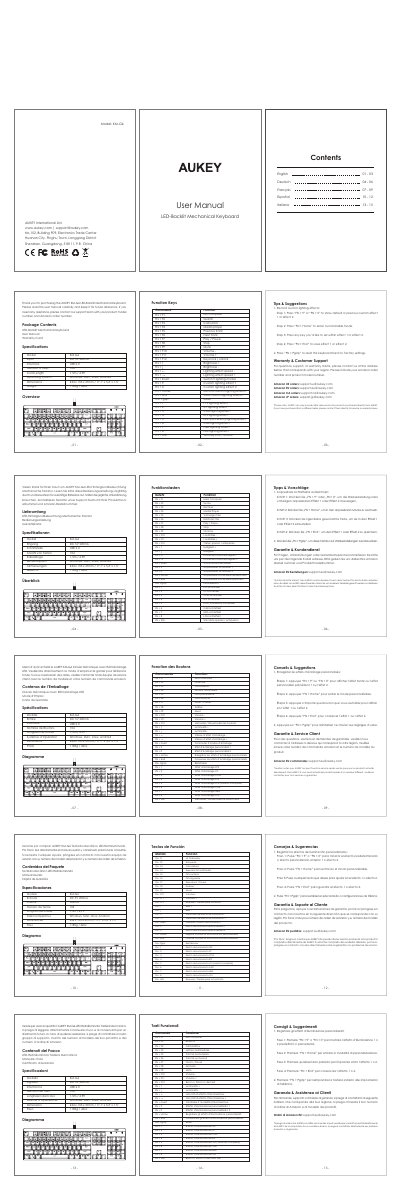
This document is the user manual for the AUKEY KM-G6 LED-backlit mechanical keyboard. It provides instructions on how to use the device, including connecting it to various operating systems and utilizing the included software for customization.
The manual details the specific functions of the keyboard's dedicated keys, such as media controls, volume adjustment, and the ability to record and save custom lighting effects. It also includes troubleshooting tips and contact information for customer support.
| Model | KM-G6 |
|---|---|
| Input | DC 5V 200mA |
| Dimensions | 434 x 135 x 37mm |
Press the "FN + PgUp" key combination to reset the keyboard back to factory settings.
The model number is KM-G6.
The dimensions are 434 x 135 x 37mm.
The input is DC 5V 200mA.