
This user guide provides setup instructions, OSD menu configuration, safety information, and troubleshooting for the ASUS TUF Gaming VG259QM/VG259QMY LCD…
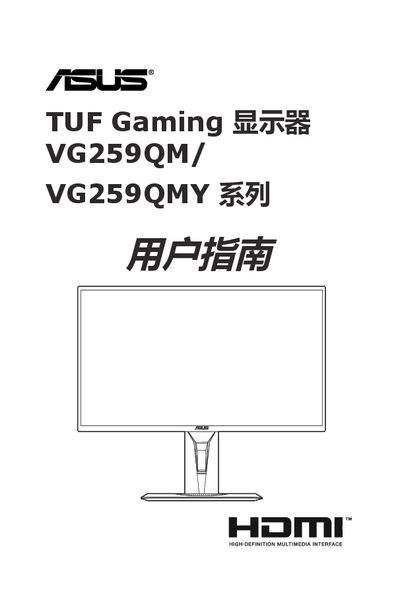
This manual covers the installation of the stand or base, connecting cables, and powering on the ASUS TUF Gaming VG259QM/VG259QMY series monitor. It details how to adjust the display settings using the On-Screen Display (OSD) menu, including GamePlus and GameVisual features designed for gaming experiences.
The guide also includes safety precautions, maintenance tips for cleaning the screen, a summary of technical specifications such as resolution and connectivity options, supported operating modes with refresh rates, and a troubleshooting section for common issues. This manual is written in Chinese.
| Panel Type | TFT LCD |
|---|---|
| Screen Size | 24.5 inches (16:9) |
| Maximum Resolution | 1920 x 1080 pixels |
| Brightness (Typical) | 400 cd/m² |
| Contrast Ratio (ASCR) | 100,000,000:1 |
| Response Time | 1 ms (Gray-to-Gray) |
| Viewing Angle | 178°/178° |
| Digital Inputs | 2x HDMI v2.0, 1x DisplayPort v1.2 |
| Power Supply | AC: 100~240 V, DC: 19 V, 2.1 A |
The maximum resolution supported by this monitor is 1920 x 1080 pixels.
Yes, it features stereo speakers with a total output of 2 W x 2 RMS.
The monitor supports two HDMI v2.0 inputs and one DisplayPort v1.2 input.
Press and hold the button for 5 seconds to enable or disable the keylock function.